
















What Is Actually Inside Your Recordings
Ask a business owner what their call recordings contain and the usual answer is "customer calls". Listen to a random week of them and the picture is more specific. A customer confirms their address and date of birth so you can find the account. A patient explains why they need an earlier appointment. A caller reads out a card number, expiry and the three digits on the back because that was the quickest way to pay. A tenant describes a dispute with a neighbour. All of it is captured, word for word, in the caller's own voice, and stored indefinitely by default.
That is what makes recordings different from most business data. A spreadsheet of customers holds the fields you chose to collect. A recording holds whatever the caller happened to say. You cannot easily search it, you rarely know exactly what is in it, and the most sensitive part of the call is often the part you never needed to keep.
If you are still deciding whether to record at all, or how to tell callers, our guide to call recording laws, benefits and setup covers consent and notification. This article starts where that one ends: the recording exists, so how do you keep it safe?
Why a Recording Counts as Personal Information
Under the Privacy Act, personal information is information or an opinion about an identified individual, or one who is reasonably identifiable. A recorded call almost always qualifies: the caller usually gives their name or number, the call log links the file to a phone number, and a voice can itself identify a person. When a caller talks about their health, the recording also contains sensitive information, which carries stricter rules.
For businesses covered by the Act, Australian Privacy Principle 11 then applies to every recording you hold:
- APP 11.1: take reasonable steps to protect personal information from misuse, interference and loss, and from unauthorised access, modification or disclosure.
- APP 11.2: once you no longer need the information for a permitted purpose, take reasonable steps to destroy or de-identify it, unless a law or court order requires you to keep it.
- APP 11.3: added by the Privacy and Other Legislation Amendment Act 2024, this makes clear that reasonable steps include technical and organisational measures. The OAIC says it applies to information held after 11 December 2024, whenever it was collected.
In plain terms: the software controls (logins, permissions, storage) and the human ones (who is allowed to listen, what happens when someone leaves, when files are deleted) both count, and both are now expected.
Does this apply to a small business?
Most businesses with an annual turnover of $3 million or less are exempt from the APPs. Many are not. Health service providers are covered whatever their size, and so are businesses that trade in personal information and some contractors to government, among others. Even if you are exempt, a recording full of customer details is still worth protecting: the reputational damage of a leak does not check your turnover first, and customers increasingly ask how their calls are handled.
General information
This summary reflects what the OAIC publishes, as read in November 2026. It is not legal advice. Check the OAIC's guidance or ask a privacy adviser about your specific situation.
Five Ways Recordings Leak
Headline breaches involve attackers, and they matter. But in day-to-day small business life, recordings escape through ordinary habits far more often than through clever hacking.

1. Shared logins
One admin password used by the owner, the office manager and "whoever needs it" means nobody can say who listened to what. When something goes wrong there is no trail, and when someone leaves, the password usually stays the same.
2. Downloads that wander
A recording is downloaded to settle a complaint, attached to an email to a manager, forwarded to a lawyer, saved to a desktop and synced to a personal cloud drive. Each copy is now outside the phone system's control, and none of them will ever be deleted on schedule.
3. Leavers who can still listen
Former staff whose portal access was never removed, a contractor who was given "temporary" access two years ago, an app still signed in on an old phone sold online. Our staff offboarding checklist covers removing that access on the last day.
4. Keeping everything forever
Unlimited retention feels safe ("we might need it") but it is the opposite. Every extra month of recordings is more personal information to protect, more to search if a customer asks for their data, and more exposed if a breach happens. APP 11.2 expects you to get rid of what you no longer need.
5. Breaches at the provider
Recordings stored with a vendor are only as safe as that vendor. Large phone and collaboration platforms have had serious incidents in recent years, which we covered in our articles on the RingCentral breach and the Cisco and Webex breaches. You cannot control a provider's security, but you can choose one carefully and limit how much you leave with them.
The OAIC's figures show both sides of the problem. Malicious attacks caused most notified breaches in 2025, but human error was behind more than a third of them in the first half of the year. Recordings are exposed to both.
If a Recording Escapes: The NDB Scheme
The Notifiable Data Breaches scheme applies to businesses covered by the Privacy Act. A breach is notifiable when personal information is accessed or disclosed without authorisation, or lost in a way that makes that likely, and the result is likely to cause serious harm to someone, and you have not been able to prevent that harm.
Recordings are a textbook case. A leaked file containing a card number, a health condition or enough identity details to impersonate someone can easily meet the serious harm test. If you suspect a breach:
- Contain it. Remove the access, recall or delete the stray copies you can reach, change the passwords involved.
- Assess it, quickly. You have 30 days to assess a suspected breach, and should move faster if you can. Work out which recordings were involved and what they contained.
- Notify if it is eligible. Tell the OAIC and the affected people as soon as practicable, including what happened and what they should do.
- Review. Fix the cause, whether that was a shared login, an emailed file or a forgotten account.
Step two is where recordings hurt. If you cannot tell which files a former employee could reach, or what was said in them, you cannot assess the breach properly. Good access records and short retention make the assessment possible.
Eight Controls That Close the Gaps
None of these needs a security team. Most are settings and habits that a small business can put in place in an afternoon, then review once a year.
| Control | What it looks like in practice |
|---|---|
| 1. Named logins only | Everyone who can reach recordings signs in as themselves. No shared admin account. |
| 2. Access by role | Agents hear their own calls, team leaders hear their team's, very few people can hear everything. |
| 3. Stronger sign-in | Multi-factor or passwordless sign-in, and approval before a new device can get in. |
| 4. A retention schedule | Decide how long each type of call is kept, write it down and delete on time. |
| 5. Fewer copies | Share a link to the recording inside the system instead of downloading and emailing the file. |
| 6. An access trail | Being able to see who listened to or downloaded which recording, and when. |
| 7. Same-day offboarding | Leavers lose portal and app access on their last day, and their devices are signed out. |
| 8. Know where it lives | Know which country recordings are stored in, and which other services hold copies. |
If you only do one thing this month, make it control 4. Deleting recordings you do not need shrinks every other risk on this page at once.
Card Numbers Do Not Belong in a Recording
Taking payments over the phone is where recording and security collide most often. The payment card industry's own standard, PCI DSS, does not allow sensitive authentication data, including the three or four digit security code on a card, to be stored after a payment is authorised. The PCI Security Standards Council has confirmed that this includes digital audio recordings. A call recording with a customer reading out their security code is a stored copy of exactly what the standard prohibits.
There are a few common ways to keep card details off the recording:
- Send a payment link by SMS or email while the customer is on the line, so the card details never pass through the call.
- Use keypad payment, where the customer types the number on their phone keypad into a payment service instead of reading it aloud.
- Pause the recording for the payment part of the call, if your system supports it, and make sure it restarts.
- Deal with the backlog. If older recordings already contain card details, work out how to find and remove them rather than leaving them in storage.
Questions to Put to Your Phone Provider
Your provider stores the recordings, so their answers are part of your security. Ask these in writing, and keep the replies with your privacy records.
- Where are recordings stored? Which country, and which other services hold copies (AI transcription, backups, integrations)?
- Are they encrypted? In transit and at rest, and who holds the keys?
- Who at the provider can access them, and in what circumstances?
- Can I control retention? Can recordings be deleted automatically after a set period, and can I delete individual files?
- Can I limit access by user or role, and is there a record of who listened to or downloaded what?
- What sign-in protection is available? Multi-factor, passwordless sign-in, device approval?
- Can I store recordings in my own storage instead of, or as well as, the provider's?
- How will you tell me about a breach that affects my recordings, and how quickly?
A provider that answers these clearly is one you can work with. A provider that cannot answer them is telling you something too.
Recordings on Uniden Voice
Uniden Voice is Australian owned and operated, and hosted and supported in Australia, so your call data is handled by a local business under Australian law. For call recordings specifically:
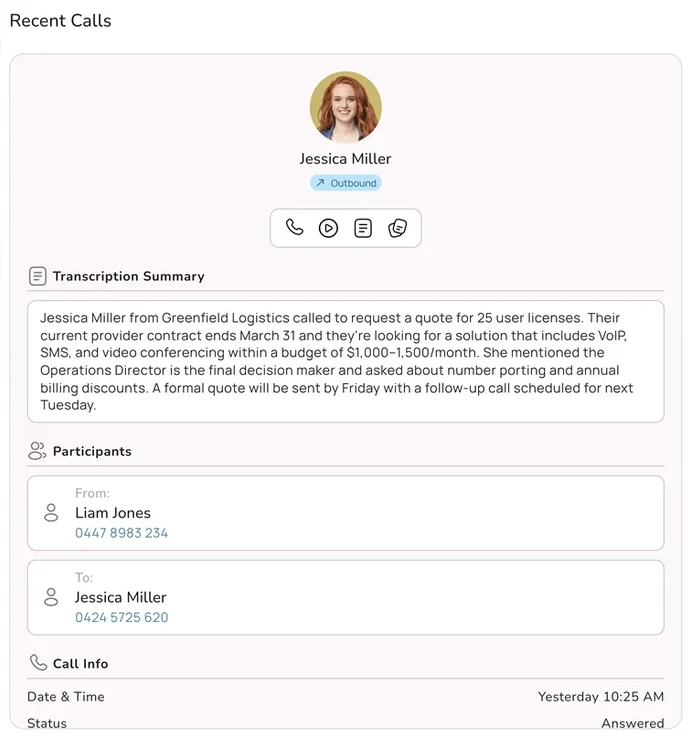
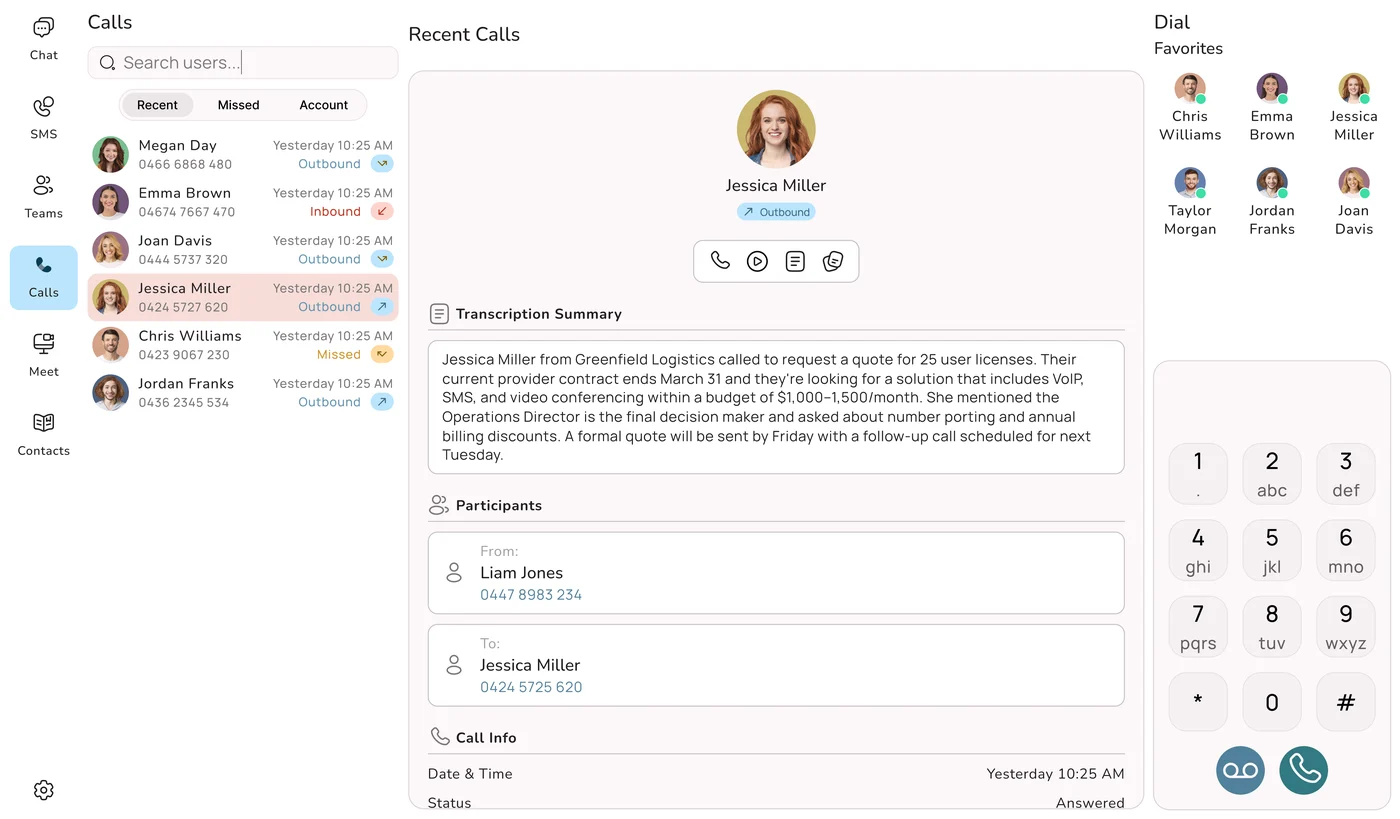
- Recordings and AI summaries sit in the call log, attached to the call they belong to, so staff can review a call without downloading files.
- Offsite storage in storage you already own. Switch on the OneDrive or Google Drive integration in the portal and recordings go to your own business storage, still accessible through the portal, under the access rules and retention you already manage there.
- Saved against the customer, not a laptop. CRM integrations save the call, the recording and the notes back to the customer record, which is one controlled place rather than an inbox full of attachments.
- Sign-in without shared passwords. The desktop app uses passwordless email sign-in, and the mobile app asks for approval from a trusted device before a new sign-in is allowed.
- Local people to ask. For the questions above, including retention and who can listen in your account, our Australian team will walk through your setup on 1300 881 662, Monday to Friday, 9am to 5pm AEST.