


















An Outage Morning, Played Out Two Ways
Imagine two businesses on the same street: a physio clinic and a building company. They are about the same size and get about the same number of calls. One weekday morning, their mobile carrier has a major fault.
The clinic did what most small businesses do. The front desk line diverts to the practice manager's mobile, the physios take bookings on their own phones, and the after-hours number forwards to the owner. All of it runs on one carrier. At 8:15am the network drops and every one of those paths goes with it. Patients trying to move appointments get nothing. The bookings come in when the network comes back, and the clinic only finds out about the patients who gave up and booked elsewhere when the gaps show in next week's diary.
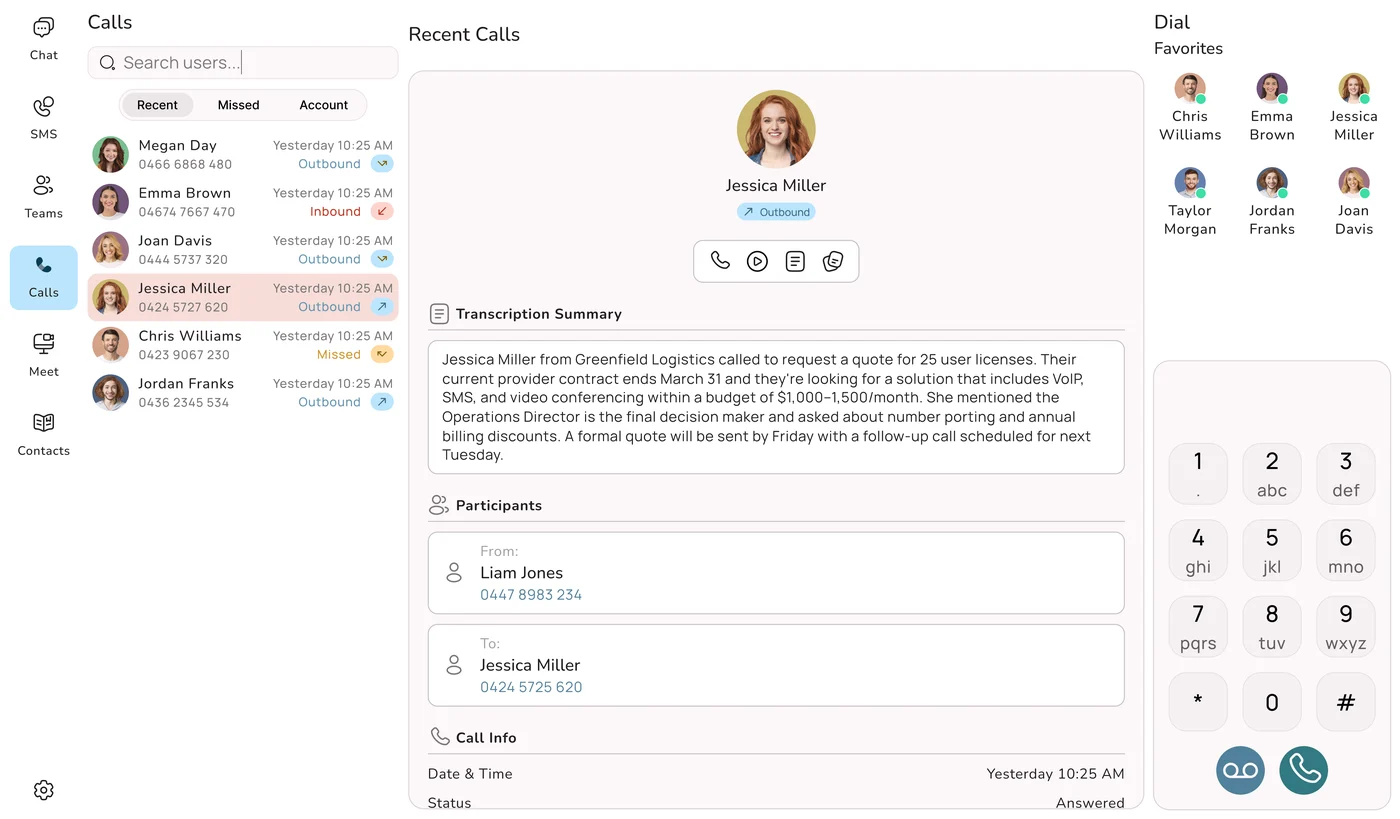
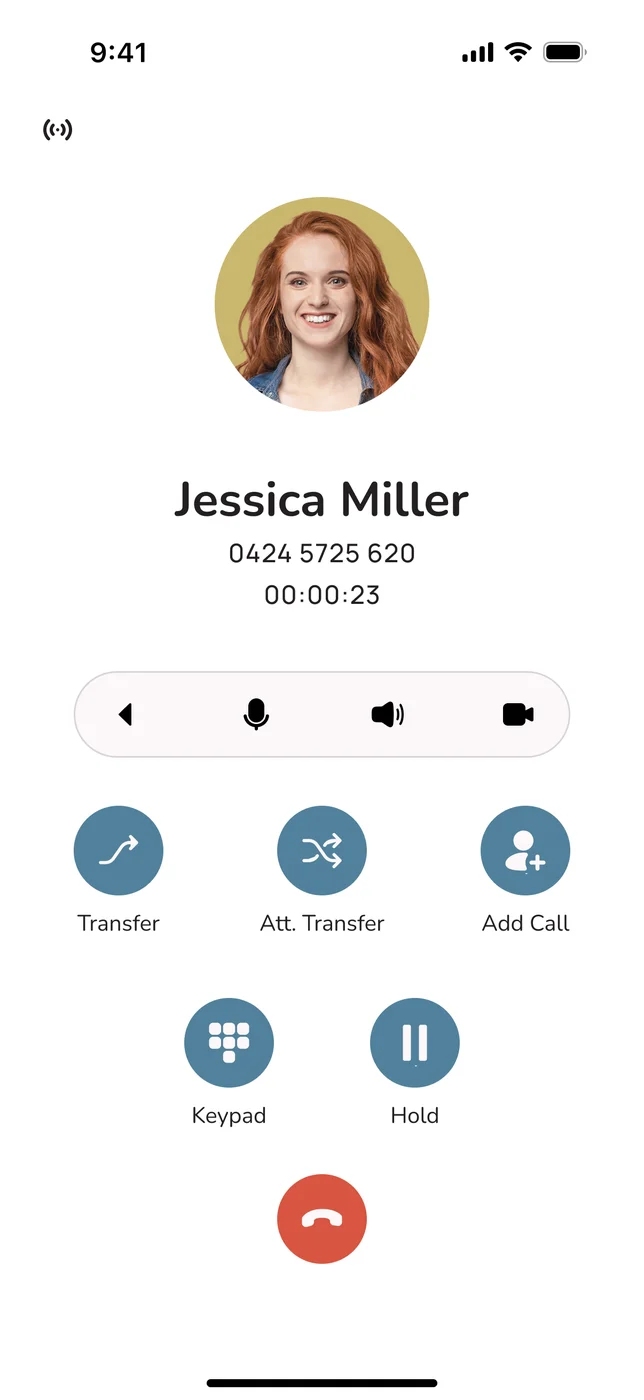
The builder set things up differently. The phone system runs in the cloud, so the business number is not tied to any one handset or carrier. When the mobile network fails, calls go to the app on the office computers over the office nbn connection, and to the site supervisor's phone on the Wi-Fi at the job site office. Calls that nobody picks up go to an AI call agent, which takes the details and sends a summary. The owner learns there was an outage from the news, not from customers.
The carrier, the fault and the time it took to fix were identical. One business had a single path and the other had several. That is all redundancy means, and the rest of this guide is about getting your business onto the builder's side of the street.
31 Mar 2026
start date for logging outages on public registers
30 Jun 2026
common coverage-map standard applies to Telstra, Optus and TPG
4
coverage labels: good, moderate, basic and no coverage
100%
Australian-hosted, redundant infrastructure behind Uniden Voice Over Cloud
What the New Maps and Registers Can and Can't Do
Two changes this year have given business owners better information about Australian mobile networks, and both deserve credit.
Outage registers. Since 31 March 2026, telcos have had to publish details of every major outage and every significant local outage they resolve, in the same format, on public outage registers. That information goes to the Triple Zero Custodian, emergency services and consumer advocates, and anyone can use it to see how often a particular network has failed.
Coverage maps. From 30 June 2026, an industry standard directed by the Minister for Communications, Anika Wells, and administered by the ACMA has made carriers describe mobile coverage maps in the same four terms: good, moderate, basic and no coverage. Telstra, Optus and TPG can no longer publish different maps with their own coverage claims. The goal is a single, consistent picture of where you can expect a signal and, importantly, where you can expect to reach Triple Zero.
Look at what each tool actually does. A coverage map describes how a network should perform on an ordinary day. A register tells you, once the fault is fixed, when it didn't. The first looks forward and the second looks back. Neither adds a second route for a call while a network is down. Better information helps you pick a carrier, but it does not change how your calls are set up. Only the way you build your phone system does that.
Count Your Failure Points
Engineers call it a single point of failure: one part that brings everything down when it breaks. Before you can fix yours, you need to find them. Go through this list with your current setup in front of you. Each "yes" is a place where one fault can stop calls coming in.
- One carrier for everything. Do your diverted business line, staff mobiles and after-hours forwarding all use the same mobile network?
- One internet connection. Does the office phone system depend on a single nbn service, with nothing else behind it?
- A box in the cupboard. Is your phone system hardware on site, so a power cut or a dead router takes the whole system offline?
- One person on call. Does after hours depend on one mobile that could be flat, out of range, or on a network that is down?
- No plan for unanswered calls. When every line is busy or nobody picks up, does the caller hear endless ringing or a full voicemail box?
Most small and mid-sized businesses answer yes to at least two of these. That is not a criticism. A single carrier and a single connection are the default setup, and for years most people never thought about it. The outages of the past few years have made it a bigger risk to ignore.
Why a Good Coverage Map Doesn't Protect You
A map showing "good" across your whole service area tells you nothing about what happens when that carrier has a fault. If your desk line, staff mobiles and after-hours diversion all depend on the same network, one problem cuts off inbound calls, outbound calls and the backup you were relying on, all at once. Better coverage on the same network does not give you a second route. A second, independent path does.
Recent history shows how real this is. During the Telstra national outage, service was down for hours across the country, and the businesses that kept taking calls were the ones whose calls had more than one route. The Optus Triple Zero outage was more serious again, because emergency calls failed, and it is a big part of the reason the new coverage and Triple Zero rules exist. Internet faults do the same thing from the other side: an exchange fault or a router that won't restart takes an office offline, along with any phone system that lives there. Our guide to navigating NBN outages with ease covers that side in more detail.
Five Common Faults, and What the Caller Hears
Looking at it from the caller's side makes the point clear. Here is what a customer gets on each kind of setup, and which part of a redundant system does the work.
| The fault | Caller's experience: one network, gear on site | Caller's experience: cloud with failover | The layer that saves the call |
|---|---|---|---|
| Your mobile carrier goes down nationally | ✗ Call fails, try again later | ✓ Answered on an app over Wi-Fi or nbn | App failover and alternate paths |
| The office internet or nbn drops | ✗ Desk phones dead | ✓ Rings on staff mobiles | Cloud call control and ring rules |
| Power cut at the premises | ✗ PBX and handsets off | ✓ Answered as normal on mobiles | Nothing critical kept on site |
| Everyone is busy or away | ~ Voicemail, which most people skip | ✓ AI call agent answers and books | AI call agent |
| Late-night or weekend call | ~ One personal mobile, if it's on | ✓ On-call roster, AI agent or message by email | Time-of-day rules and voicemail-to-email |
The left-hand column has one answer to every problem: wait it out. The right-hand column has a next step for each one. Count it up: the single-network setup has one point of failure that covers the whole system, while the cloud setup has several independent layers, and they would all have to fail together before a caller was left with nothing.
Six Layers, From First Choice to Last Resort
You don't get redundancy by flicking one switch. You get it from several layers that work independently, so if one fails the next takes the call. Here they are in the order a call meets them.
1. Call control off your premises
The part of the system that answers, routes and records calls runs in Australian data centres, not your comms cupboard. If you lose power or internet at the office, it carries on.
2. Ring groups and rosters
When the first phone doesn't pick up, the call moves on to the next person, then the group, then whoever is on call, all within seconds and without anyone changing a setting.
3. The app on any network
The Uniden Voice app puts your business number on staff mobiles and computers, working over mobile data or any Wi-Fi. If one network fails, the number still rings on a device using another.
4. More than one route
Calls can travel over more than one route instead of relying on a single carrier link. If one route degrades, the traffic moves to another rather than dropping.
5. An AI call agent as backstop
If nobody can be reached, an AI call agent with an authentic Australian voice answers, deals with the request or takes the details, and logs everything. A call that would have been missed becomes a lead.
6. Voicemail-to-email and SMS
When every live option is used up, the caller's number and message still reach your team by email and text, ready for a callback as soon as someone is free.
What the System Does Before You Notice
A good failover doesn't depend on someone noticing the phones have gone quiet and logging in to divert the number. On Uniden Voice Over Cloud it happens automatically, usually before anyone in the business knows there is a problem. This is what goes on in the background:
- The fault is spotted from outside. Call control sits in the cloud, away from the link that has just failed, so it sees straight away when a handset or site stops responding.
- The call goes another way. If one route has a problem, the call takes an alternate path and keeps going.
- Your call flow picks the next device. The call works down the order you set, from desk phone to mobile app to the next member of the ring group, on whatever network each device is using. To the caller, it is the same number ringing as usual.
- The AI agent takes the overflow. If no person picks up, the AI call agent answers, handles routine requests, books a time or passes the call on, and records the details in your CRM.
- A record reaches you. At worst, the caller's number and message arrive by voicemail-to-email and SMS, rather than sitting on a blinking handset in an empty office over the weekend.
You'll Use It More Often Than You Think
It is easy to think of redundancy as insurance against a rare national outage. In practice, it earns its keep on ordinary days: a mobile goes flat, a connection drops, the power flickers, three calls arrive at once. Each of those quietly costs a business enquiries every week. A setup with failover deals with them the same way it deals with a big outage, by sending the call somewhere else.
Where Your Backup Lives Matters
Plenty of providers list "failover" as a feature. The more useful question is what the call fails over to, and whether that backup shares the original's weak spot. A backup that runs on a box in your cupboard, or on overseas servers reached through one link, can fail at the same moment as the thing it is meant to back up.
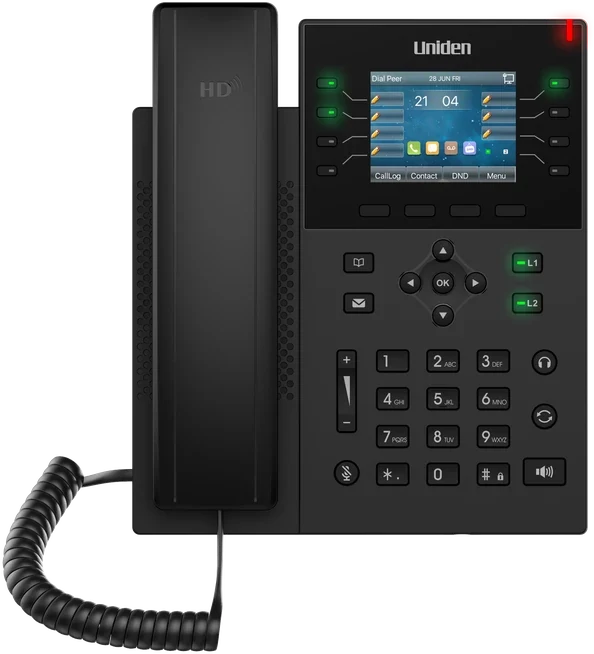
Uniden Voice Over Cloud runs on 100% Australian-hosted, redundant infrastructure that does not depend on your office connection. A fault at your site, or on any single carrier, does not touch the core of the system, and because the apps use whatever network each staff phone is on, you get properly separate paths rather than two copies of the same risk. If you use Uniden EVOC2 HD desk handsets at the front counter, calls for those handsets fail over to the apps when the office connection drops. Uniden also offers business nbn plans alongside the phone system, so one Australian provider looks after both the line and the phones.
Keeping it onshore has other benefits. Your call data, recordings and customer records stay in Australia under the Privacy Act 1988 and the Australian Privacy Principles. When something goes wrong, it is sorted out locally by 24-hour support and a dedicated account manager for every client, not by a ticket queue on the other side of the world. And it comes from Uniden, a brand Australian homes and businesses have trusted since 1966. Automatic failover can only be as reliable as the infrastructure it runs on, so this is the part to check first.
"Uniden Voice Over Cloud perfectly complements our billing software. The ease of integration with our billing software and great local support improved our own customer interactions and now many of our customers have made the switch." Chris, Operations Manager, PracBill
Your Redundancy Plan in Five Steps
Adding redundancy doesn't mean pulling out your current system or putting up with a gap in service. Your existing phones keep working until the day you switch over, and the work fits around your business.
- Run the failure-point check. Go through the list earlier in this guide with us and note every place where calls, mobiles or after-hours cover depend on one network or one connection. Those are the gaps a coverage map won't show you.
- Bring your numbers across. Your local, 1300 and 1800 numbers port to Uniden Voice Over Cloud free for a limited time. The old service stays live until the port is complete, so there is zero downtime.
- Write the "what next" for every call. Set the order calls should follow: desk phone, mobile app, ring group, on-call roster, AI call agent, then voicemail-to-email. Every fault then has a planned next step.
- Put the apps on every device. Install the free apps for Android, iOS, Windows, Mac and Linux, so the business number works on staff devices on any network and not only through the office connection.
- Test it before you rely on it. Before going live, we test the failover against real scenarios: unplug the internet, switch off a handset, let the ring group time out. You switch over at a quiet time, knowing it works.
If you are choosing a whole new phone system rather than adding resilience to an existing one, our guide to the best phone system for small business in Australia sets out what else to look for.
Common Questions About Phone Redundancy
More on Outages and Reliability
These articles cover the outages behind the new rules, the transparency changes themselves, and other events that have pushed Australian businesses to look harder at how reliable their phones are.